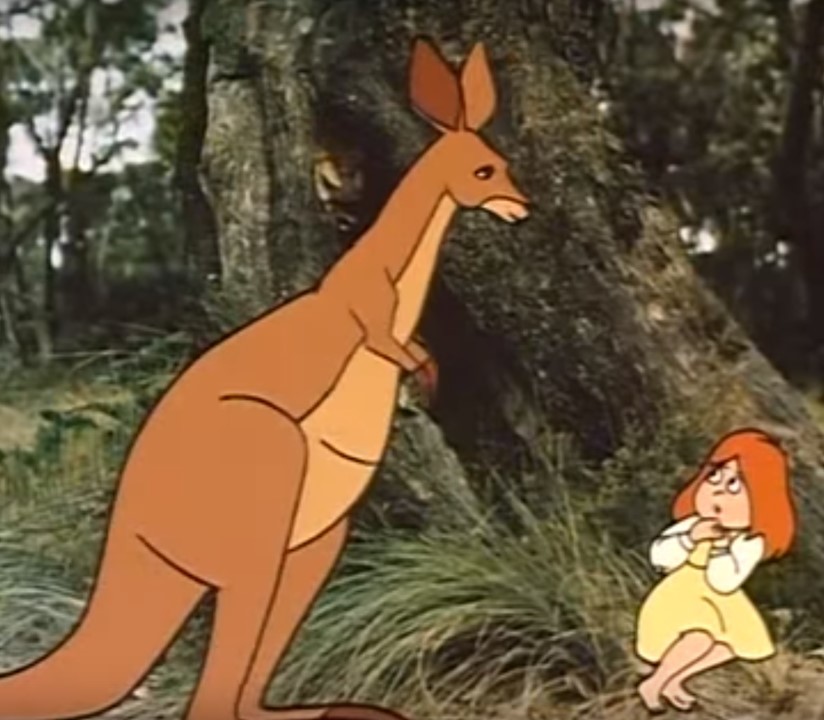
Dot has become lost in the forest at Mulligans Flat Nature Reserve. Come join her on a short, fun adventure as she finds her way home with the help of some friends in "Dot and the Kangaroo Whereigo Cache"
The cache is not at the listed coords. You must download and play the WhereIgo game cartridge (link below) to find the coordinates for this cache.
*** Remember, if you get stuck, use the BACK BUTTON on you device and look for any new items/locations. Also, don't forget to SAVE often***
The playing field for this adventure is entirely inside the Mulligans Flat Nature Reserve. There are parking and trail head/gate access waypoints
The link to the cartridge is below.

Whereigo Information
What is a Wherigo Geocache?
Wherigo is a way of utilizing GPS technology to play games, take tours, and yes geocache.
Do I need special equipment?
Yes! To find this cache the proper way and to truly experience the hunt the way it was meant to be experienced, you will need two things:
- The Wherigo Player
- The "Dot and the Kangaroo" cartridge
GARMIN GPSr
The Wherigo Player comes pre installed on the Garmin Colorado & Oregon series GPSr units. If you have one of those, all you have to do is download the game cartridge below, connect up your GPSr to your computer, then copy the cartridge file into the whereigo folder on your GPSr.
ANDROID DEVICES
If you have an Android Smartphone, you will need an App such as Geooh Go geocaching app (see HERE),>
or C:Geo (see HERE),> which have a whereigo player built into them.
iPHONE/iPAD
If you have an iPhone, you can use the free App - Whereigo previously called (PiGo) .
I know nothing about iPhones so have no idea where you put the cartridge.
Big hints now for playing a whereigo.
When you play a whereigo, you will be presented with a main window with Locations, What Your See, Inventory etc. You will be required to carry out some action such as go to a Location, look at something you see, do something with an item in your inventory.
If you get stuck in the game and nothing is being presented to you, PRESS THE BACK BUTTON ON YOUR DEVICE until you are back to the main window. You may now see a location or item or task that wasn't there before, check them out.