This cache is not at the posted coordinates, but you will need to navigate there to begin the warmer/colder game.
|
Once you arrive at the starting coordinates...
➡ CLICK HERE ⬅
...to begin the warmer/colder game.
|
This is an external link to a web page that is not part of geocaching.com
I attest it:
- contains no malicious software
- performs no tracking
- performs no logging of access or usage
|
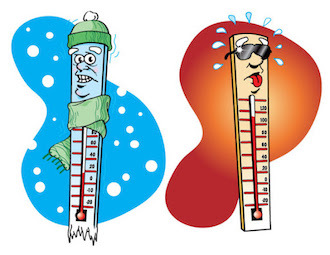
- You will see a heat bar that is cold on the bottom and hot on the top.
- As you get closer to the cache location, the bar will move up and register warmer.
- If you go further away from the cache, the bar will move down and register colder.
For this web page to work, you will need to have location services enabled on your phone.
iPhone
Go to Settings -> Privacy -> Location Services
Make sure Location Services are turned on.
Then select your browser... Safari, Chrome, etc. and select either "Ask Next Time" or "While using the App" and make sure that "Precise Location" is turned on. |
Android
Go to Settings -> Location
Move the slider to "On"
Make sure you turn "High Accuracy" mode on. |