Crossing the Ocean
(Lines of Departure)
The cache is
not at the posted coordinates. Please read on for details on solving a
puzzle to learn the true location. In fact, you would get quite wet
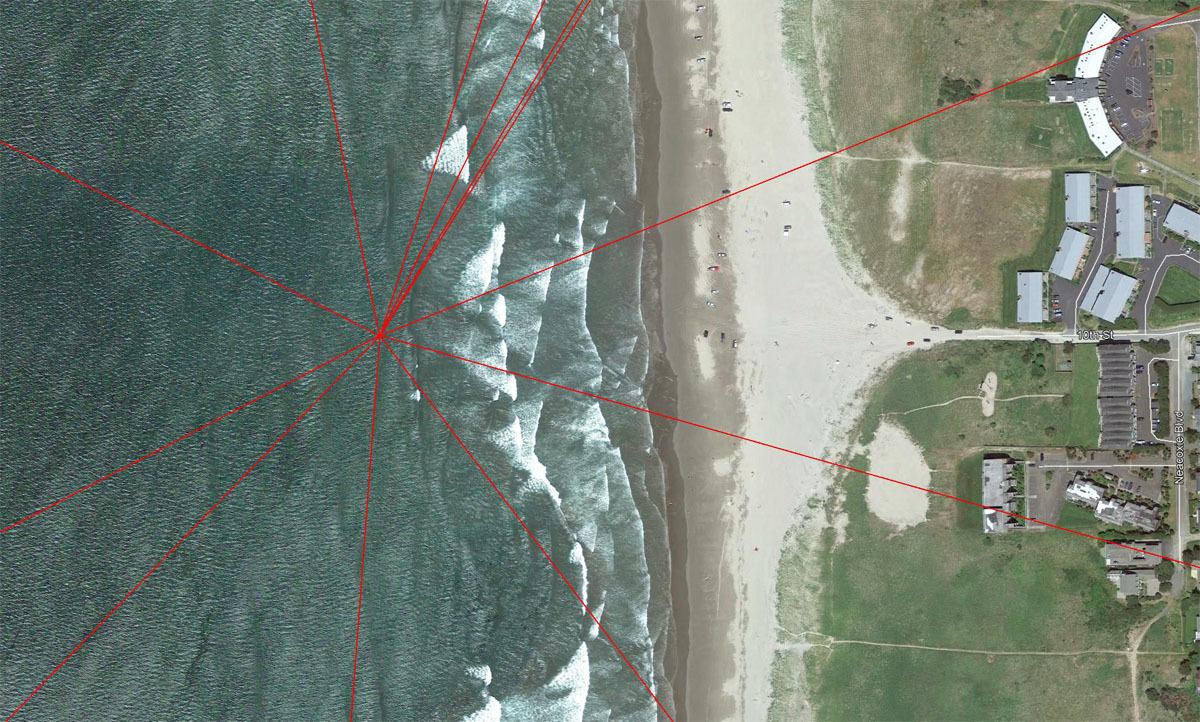
at the posted coordinates, as they lead to a spot just off the beach in
Gearhart, Oregon. This location is indicated in the photo below:
Click any photo in this listing for
an enlarged image.
Twelve Lines of Departure radiate
from the posted coordinates, leading in all directions, and crossing at least a
small amount of ocean. Note that for some destinations, you must first
cross the continent before Crossing the Ocean!
For thousands of years, many a
mariner's first contact with land has been sighting the beam of a lighthouse.
You will be similarly rewarded when you follow the heading of the twelve lines,
although you will have to imagine the beam part!
This puzzle provides you with a list
of the twelve headings (in degrees) and the twelve distances (in miles) needed
to travel to reach your lighthouse destinations. BUT, each list is in
ascending order, with no indication as to which distance goes with which
heading.
Your task will be to find the correct
matches of heading and distance that lead to the 12 lighthouses.
My first intention was for the Google
Earth (GE) Ruler Tool to be used for this. However, I later encountered
vast discrepancies between GE and standard waypoint projection tools when
working with the higher distances. So, don't plan on using the Ruler Tool!
Many projection tools are available
online. I found this to be a good one:
Waypoint Projection.
From the top menu, select "3. Projecting a point". Ignore the displayed
map - all you are interested in are the projected coordinates.
In the lower left corner, Point A
would be the posted coordinates for this listing. Start with the first
heading (17.672) and enter that for Bearing, and the first distance (131.114
miles) and enter that for Distance. Do not include commas in the mile
numbers! Change the units to miles. Press Enter and the result is
listed as "Projected point" in the lower right corner. Copy and paste
those coordinates into GE and fly there. Any sign of a lighthouse?
If not, try the next distance from the list.
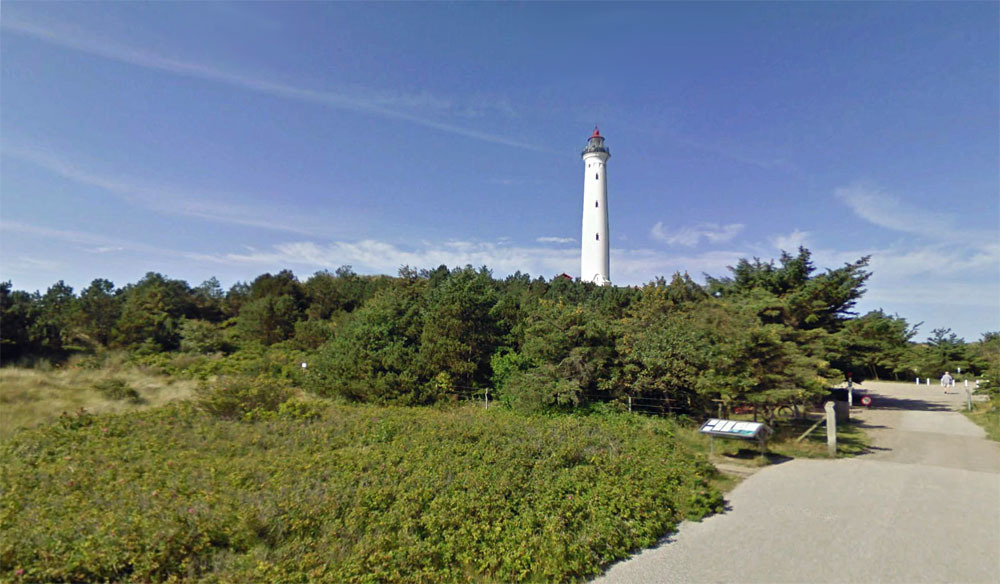
When you successfully arrive at a
lighthouse, drop to Street View and match what you see with one of the twelve
photos below. Each photo is preceded by a question pertaining to the
subject of the photo. Using GE Street View and/or online research, try to
answer the question.
Your twelve answers, if correct, will
later provide you with the cache coordinates.
Those are the basics. I have
included some notes later that may be helpful. Start swimming Across the
Ocean!
------------------------------
The Headings (Degrees)
17.672
26.145
31.113
32.033
67.967
105.695
142.906
184.238
224.613
242.935
297.267
348.417
The Distances (Miles)
131.114
280.325
2,636.482
3,740.597
4,404.619
4,870.748
4,949.334
6,261.323
7,023.616
7,322.088
7,435.145
8,394.072
The Images and Questions (in
random order)
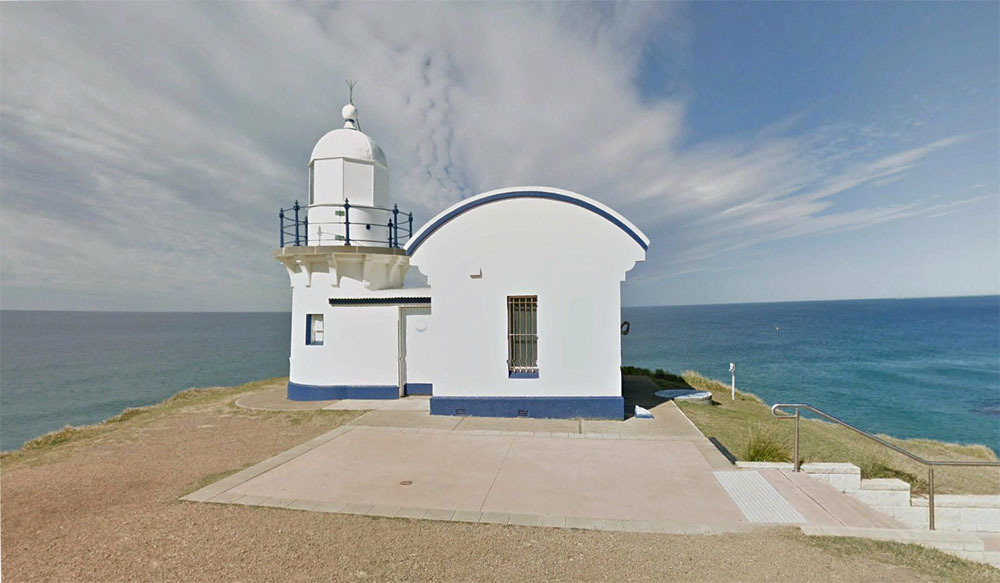
1. Use Google Earth Street View to walk
up the stairs/path to the seaward side of the lighthouse.
The number __ __ __ __ appears in a
window just below "V R".
------------------------------
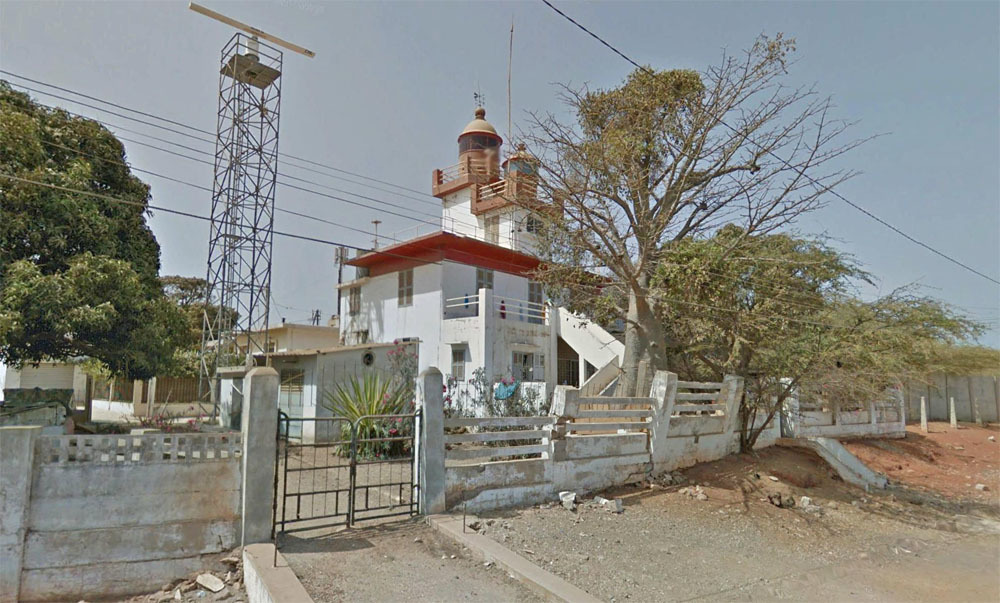
2.
Find the small blue sign at the edge of the road to the left of the gate to the
lighthouse yard.
The first word on the sign is __ __ __ __ __ __ __.
------------------------------
3.
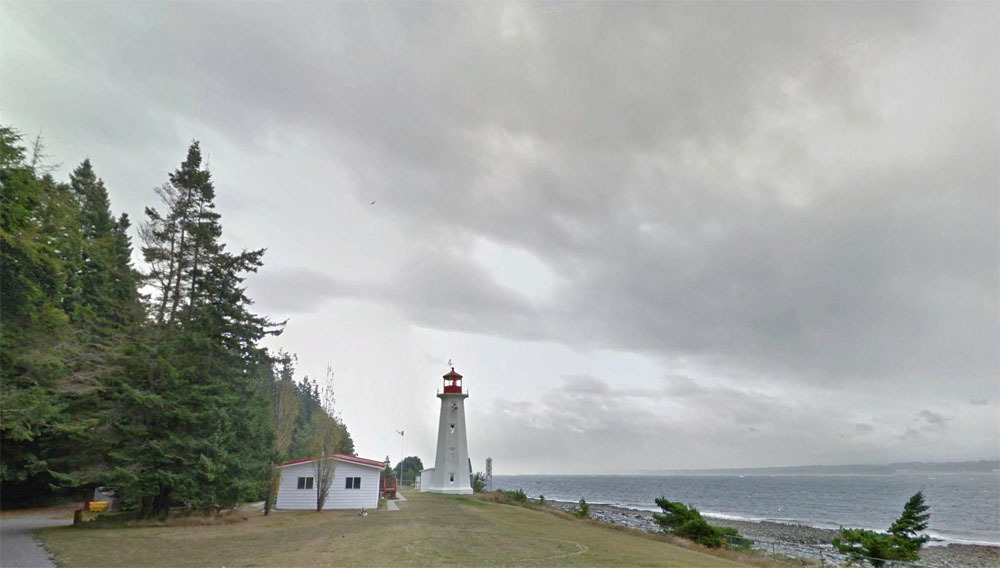
As advised by the yellow sign on the fence,
keep clear of __ __ __ __ __ __ __ __ __ __ __ (plural).
------------------------------
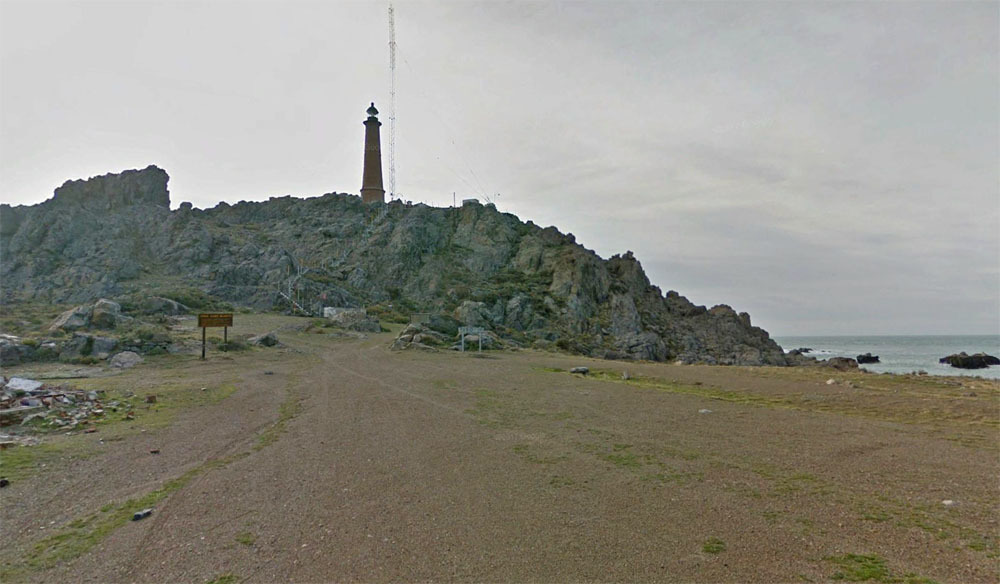
4.
As you approach the lighthouse by road, perhaps 200 feet from the end of the
road,
two signs indicate that the area is a
__ __ __ __ __ __ __ __ __ __ __ __ __ __
(the exact words from the signs).
------------------------------
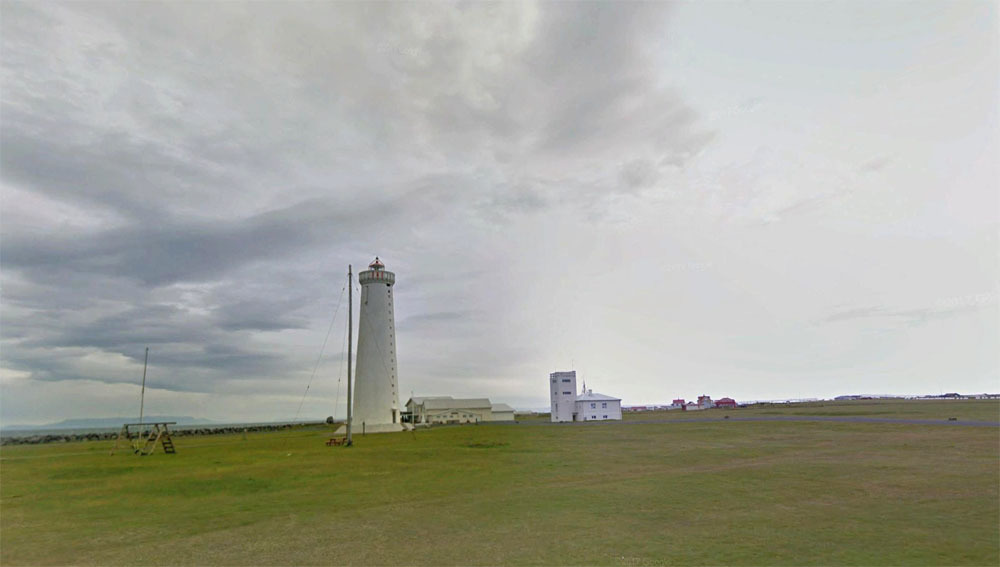
5. You will find TWO lighthouses at this
location.
The one NOT shown in the photo has
two __ __ __ __ __ __ __.
------------------------------
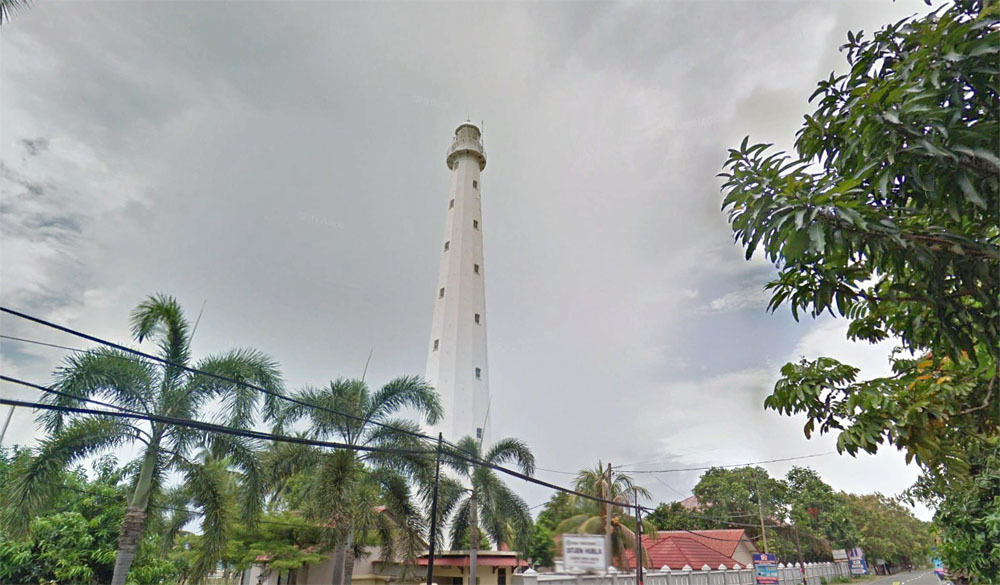
6. In the predominant language of this
country, the
word "lighthouse" translates to __ __
__ __ __ __ __ __ __.
------------------------------
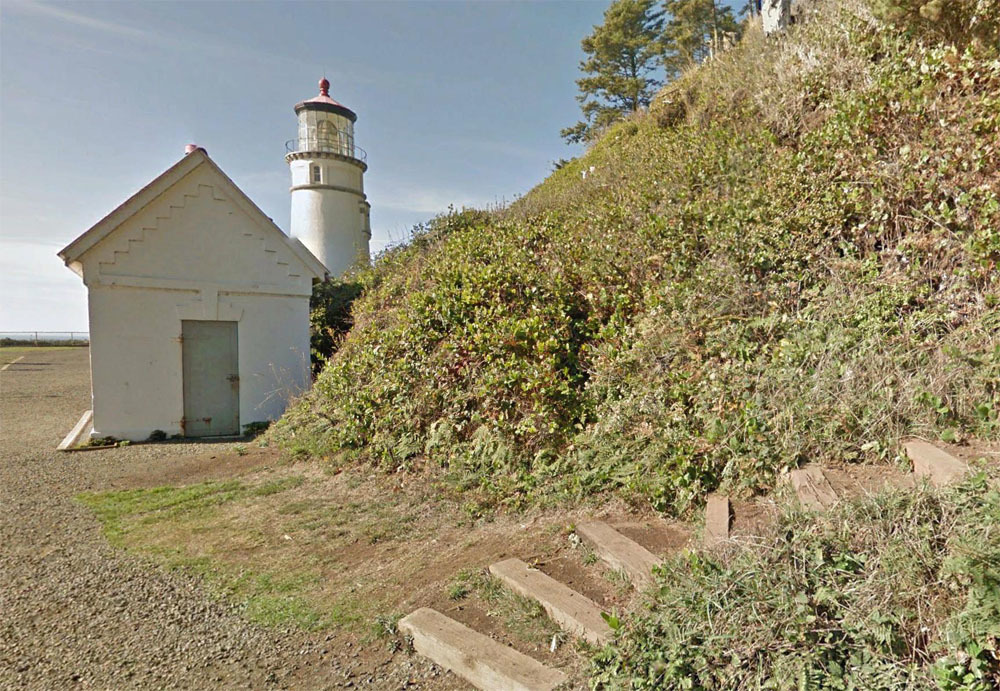
7. You can actually follow the wood
steps shown in the photo in Street View
and then continue along the trail.
Steer onto the trail.
The yellow sign on the wood retaining
wall warns you of __ __ __ __ __ (plural).
------------------------------
8. Between the lighthouse and the
building to the ESE, there is a curious little picket fence.
The fence has __ __ pickets.
NOTE: The fence has been removed in the latest Street View image. To
answer the question, switch to Google Maps and click "See more dates" to pick an
earlier image.
------------------------------
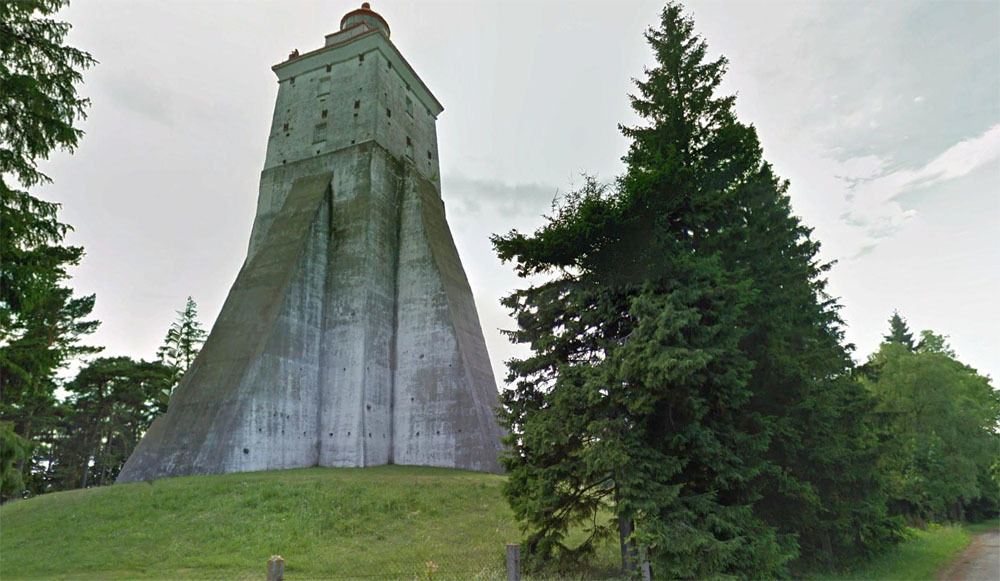
9. This lighthouse is on __ __ __ __ __
__ __ __ __ __ Island.
The image is from Street View, but
from the beach!
The Pegman blue lines indicating
ground-level images are only visible
if you scroll up to at
least 6,000 feet!
------------------------------
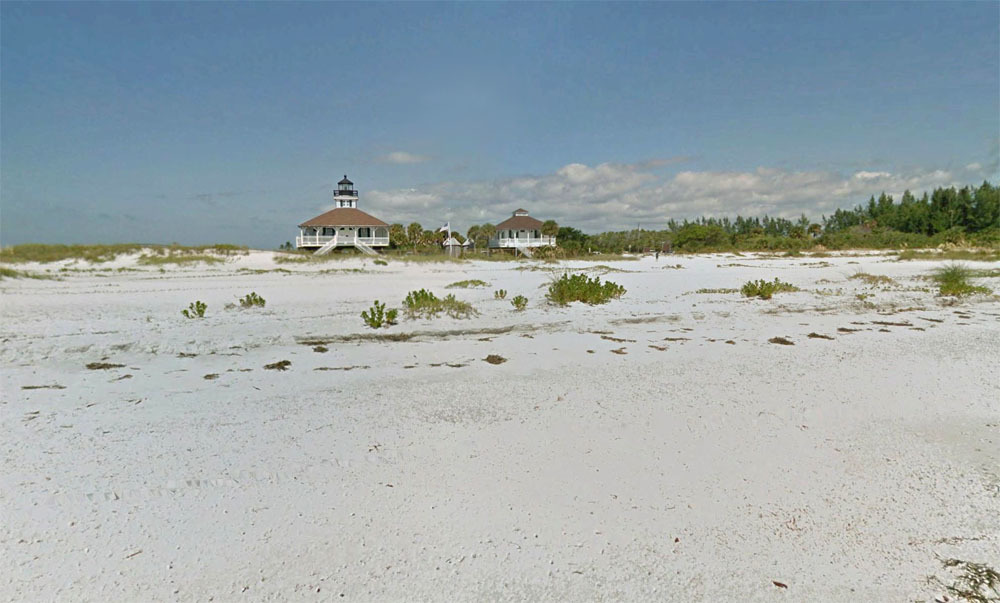
10. The lighthouse was automated in __ __
__ __.
------------------------------
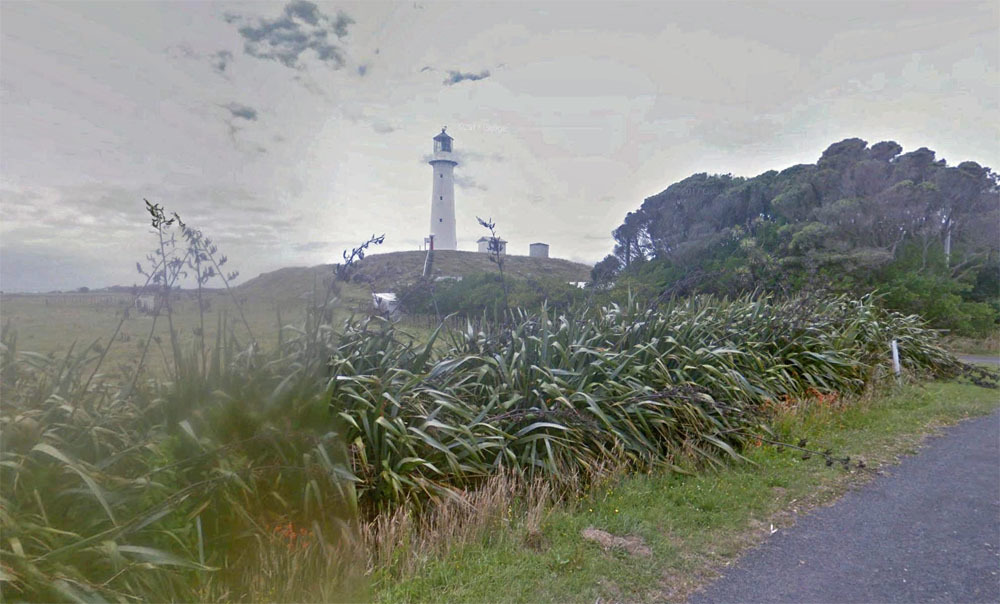
11. Back along the road a few hundred
feet from the lighthouse, you will find a sign
identifying a "__ __ __ __ __ __ __
Place".
------------------------------
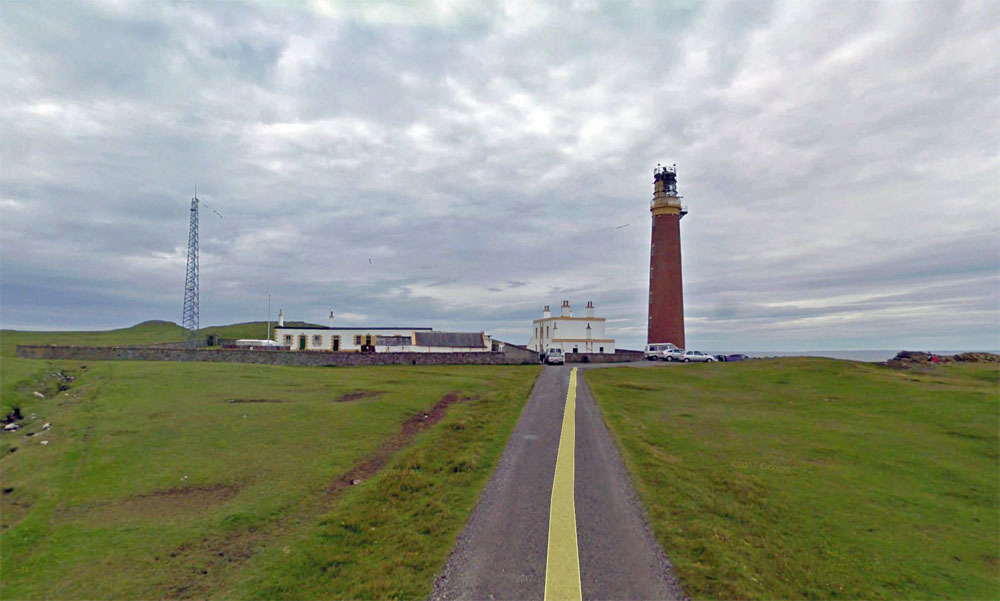
12. The lighthouse tower has __ __ __
steps (not including the steps up the dune).
(Not from Wiki)
Completing the Crossing
Once you have determined all twelve
answers, enter them
here, strung together in one line, with or without spaces and
capitalization. They should be in the same order as the questions and
photos above. If your answers are all correct, you will be rewarded with
the coordinates of the cache.
Notes
The steps below assume
using the installed version of Google Earth Pro (free download).
Some initial settings that will be
helpful:
-
Set the coordinates system to
what we are used to for geocaching: Click "Tools" and "Options", then
select "Degrees, Decimal Minutes" and "OK".
-
On the lower left, select
"Borders and Labels", "Places", "Roads", "3D Buildings" and "Terrain".
Optionally, "More" may be helpful for supplying names, etc., but can provide
an overwhelming amount of detail at times.
GE Street View will be used for
answering most of the questions. Here are some hints:
-
Identify the Pegman icon in the
upper right corner.
-
Drag the Pegman out a few inches
onto the screen, but don't release the mouse button.
-
You should see a bunch of blue
lines appear on the satellite image, usually following roads. Those
lines indicate areas where Street (ground) View images exist.
-
Drag Pegman over a likely-looking
line and release the mouse button. You should be zoomed in then
dropped to Street View.
-
Once in Street View, use the
mouse to pan the image and move forward and backward along the route.
Try to find the lighthouse. It may be necessary to try a number of
different locations in Street View to positively match to an image, and to
answer the associated question.
Important: Street View images
follow more than streets. They also follow paths and trails and even
waterways. Just like streets, they are indicated by blue lines when
dragging Pegman out. BUT, I've noticed that the non-street lines sometimes
are only visible from high altitudes - about 5,000 feet or so. Keep that
in mind!
The questions can be answered by
either observing things in Street View, as indicated, or by doing online
research, usually via Wiki.
Final Thoughts
Please contact me with any questions
or issues!
I visited many extraordinarily remote
lighthouses during the process. I used to think that our Terrible Tilly
(Tillamook
Rock Light) was quite a lonesome place, but check out Scotch Cape Light:
N 54 23.707 W 164 44.695
(No Street View there!)
In comparison, Tilly is in downtown
Manhattan!
Enjoy the puzzle and the walk to the
cache!