Enjoy an Augmented Reality ‌experience‌ in the Geocaching® app on ‌‌iOS‌. Enter to win the photo contest!

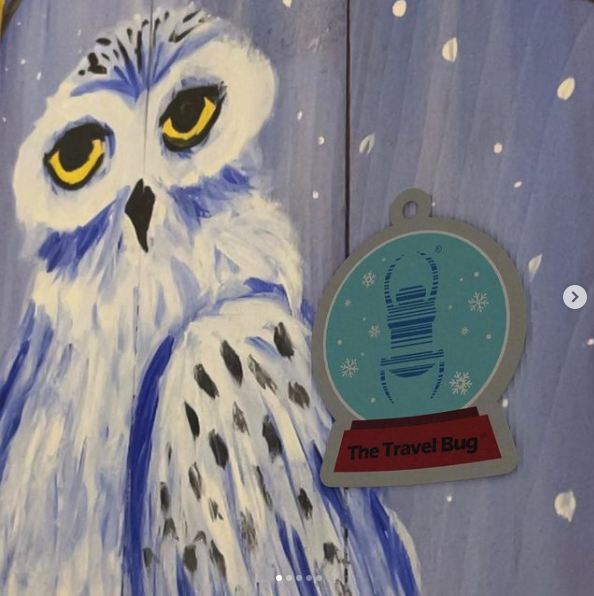
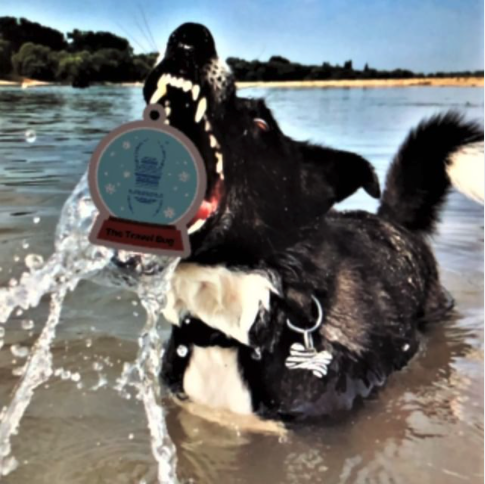
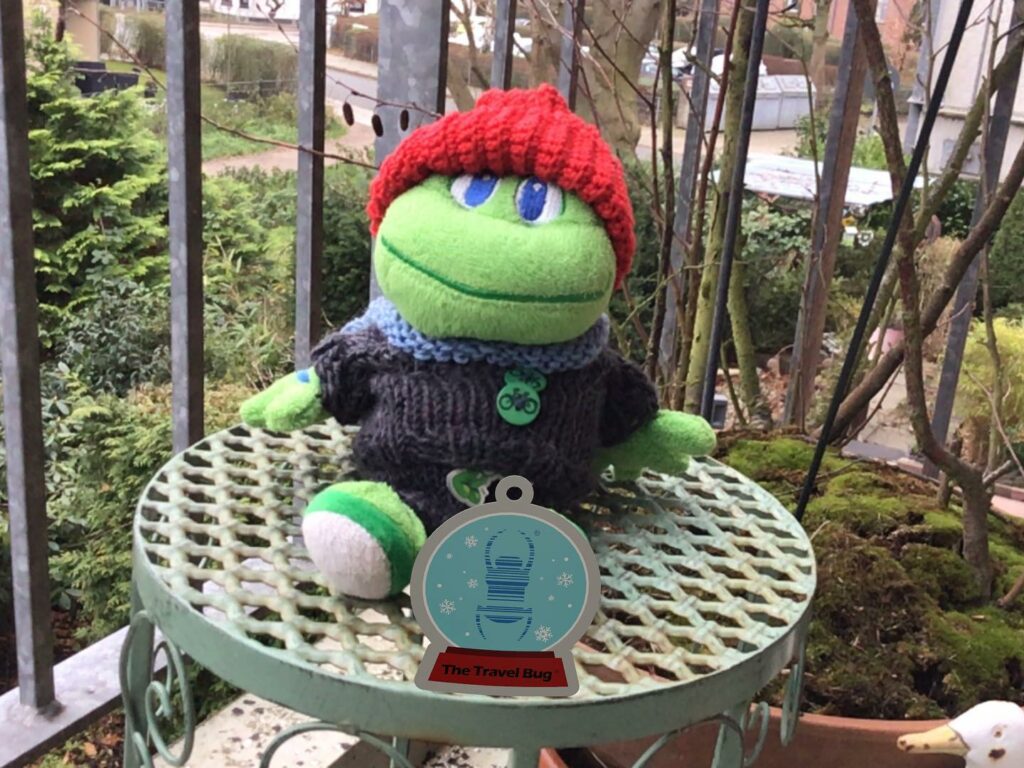
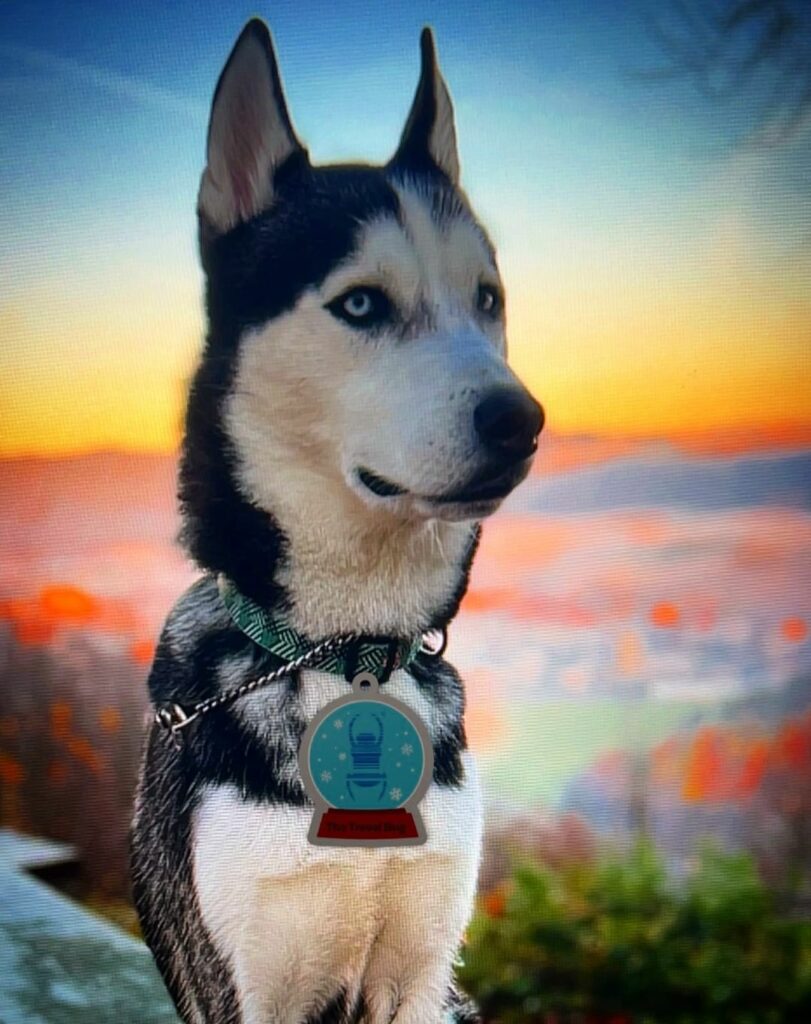
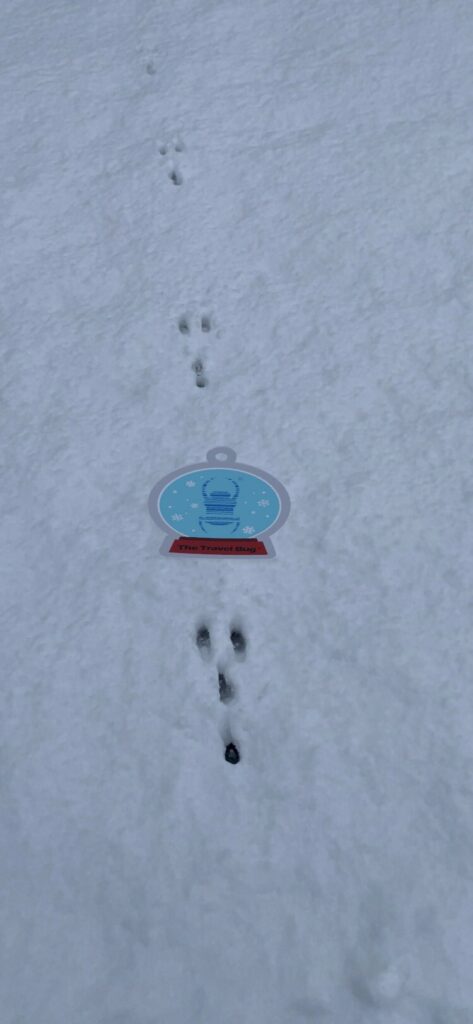
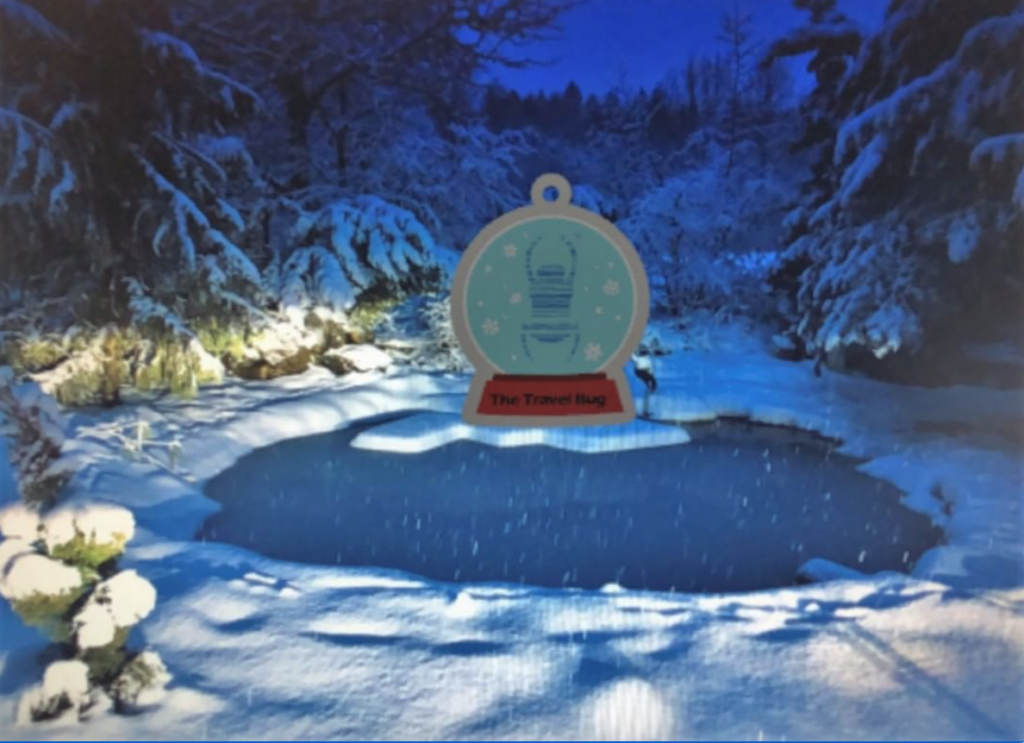
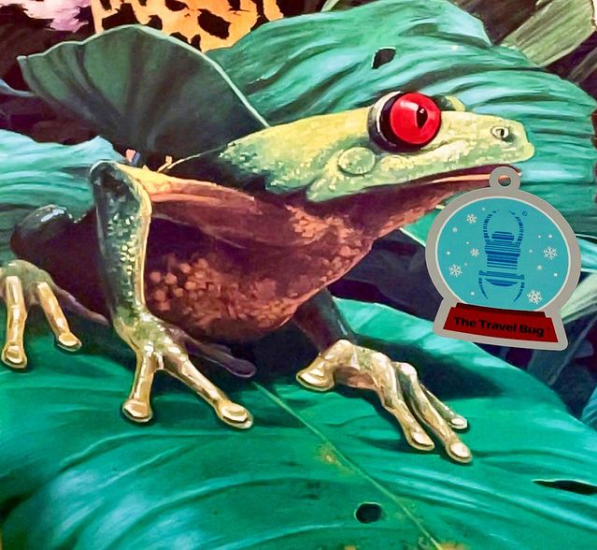
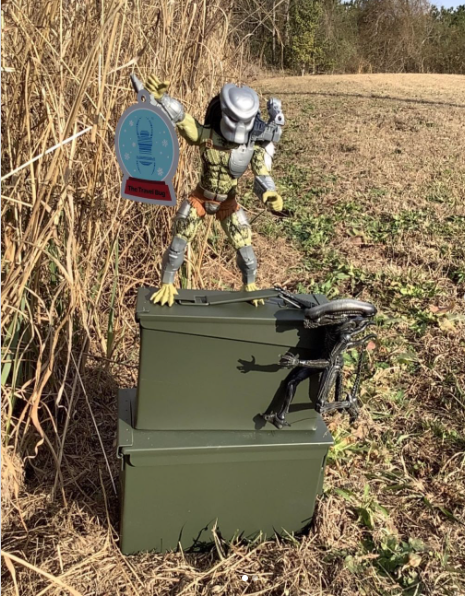
Premium members can now view the 2021 Holiday Travel Bug® Snow Globe Tag trackable in Augmented Reality (AR) using the iOS Geocaching® app. You can take photos with this trackable without having the physical item in your hand.

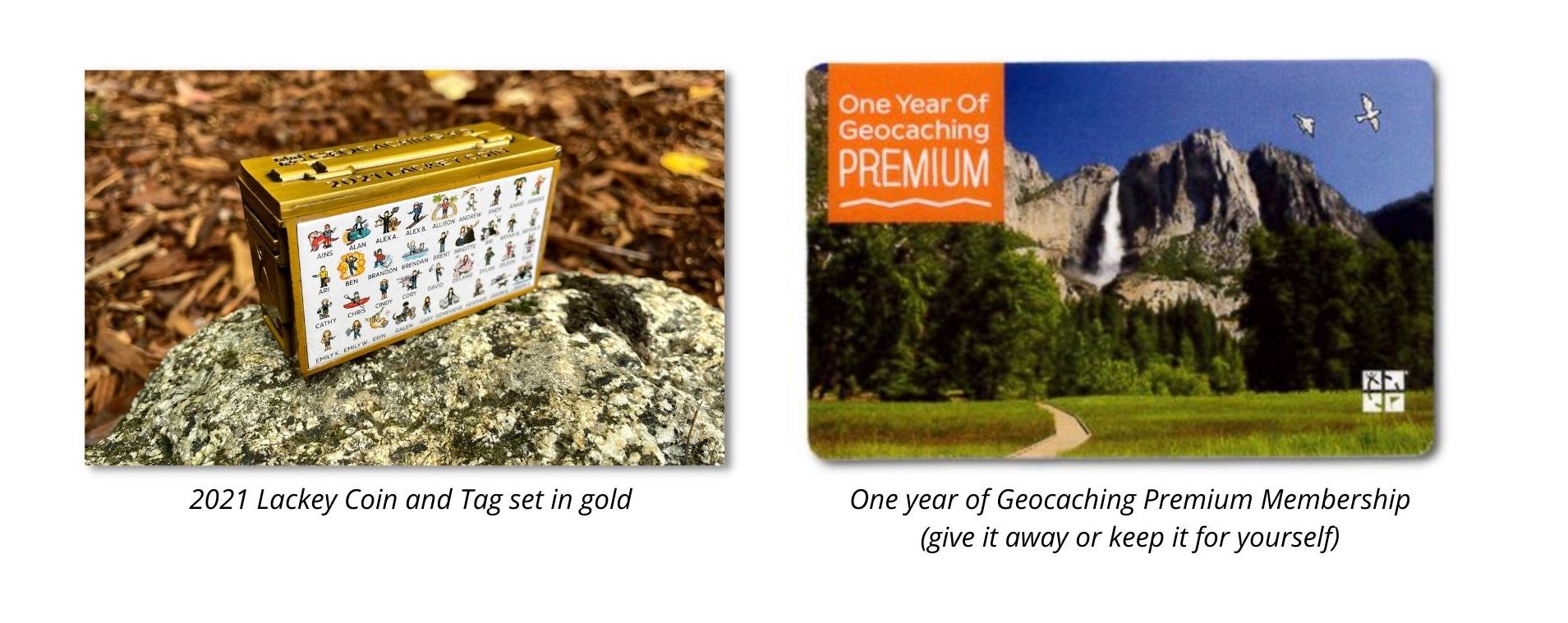
We would like you to test it out. Give it a shot and enter our photo contest for a chance to win a one-year Premium membership or a 2021 Lackey Coin and Tag Set in gold.

To enter, share your creative AR trackable discovery on Twitter, Instagram, or Facebook with this hashtag: #ARtrackablecontest 

Read complete rules.


#ARtrackablecontest

How to participate in the photo contest:

  1. On your iOS device open the Geocaching® app.
    Note: This Experimental feature is currently available to iOS users for a limited time.
  2. Turn on the AR feature under More > Settings > Experimental features.
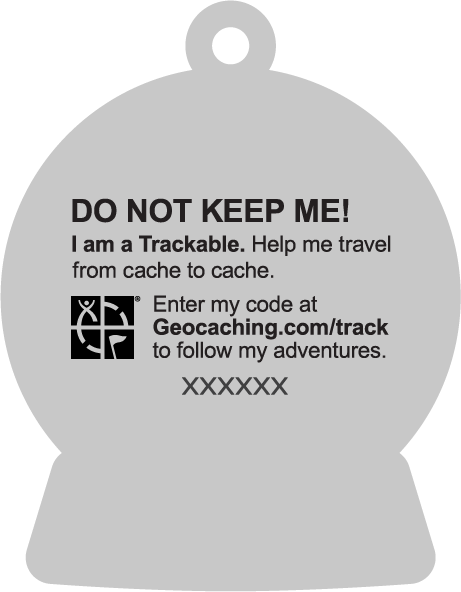
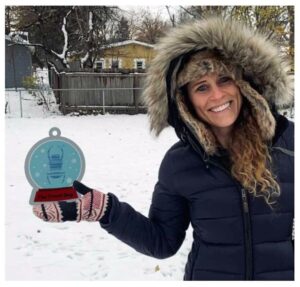
  3. Find a 2021 Holiday Travel Bug Snow Globe Tag like this one. Note that trackable’s Reference number.
  4. On your iOS device navigate to your Profile tab,  click on Trackable inventory. Use the magnifying glass (search) to input the Reference number (e.g. TBA4Y38).
  5. Tap the blue “AR view” button on the trackable details screen. Voila!
  6. Experiment with size and placement. Try different, fun scenes indoors and out.
  7. Take creative photos of the trackable in augmented reality. Share the best using #ARtrackablecontest (see contest rules here). 

What you could win

Share photos of the 2021 Holiday Travel Bug® Snow Globe Tag while geocaching. 

Use #ARtrackablecontest on Instagram, Twitter, and Facebook. May the best photos win!