Unlock Your 2015 Geocaching Mission on May 2 and 3
This May 2nd and 3rd, celebrate the history of geocaching by unlocking your mission for 2015. May 2nd and 3rd signal the beginning of geocaching, some 15 years ago. On May 2, 2000, GPS signals were descrambled, increasing the accuracy of GPS devices worldwide by ten times. The following day, what would become known as the first geocache was hidden.
Celebrate 15 Years of Geocaching on May 2nd and 3rd by finding any geocache or attending any geocaching event. You’ll earn a new digital souvenir for your geocaching profile.
Unlock details of your 2015 geocaching mission by reading the souvenir’s description. Join the conversation with your fellow geocachers on social media by tagging #Geocaching15 in your posts.
On March 14, 2015, aka 3/14/15, geocachers around the world celebrated Pi Day by finding a Mystery Cache or attending a Pi Day event and earning two souvenirs. In case you missed it, there was another puzzle hidden within the souvenirs.
Take a look at the two Pi Day souvenirs. Notice the numbers and letters around the rim? Combine those to find the page for GC31415, which contains a very special message from one of the co-founders of Geocaching.com and a few delicious pi(e) recipes.
“A camera is a ‘save button’ for one’s mind.” Rogu Kingston.
Geocaching is more than a hunt. Geocaching is that “first to find” smile… the secret beach you stumble upon… the mountain you never thought you’d climb… the unexpected sighting of a rare bird… a forgotten piece of history… a new friend you pick up along the way. All of these geocaching “moments” can be captured through a camera lens (and beautifully, with a nice filter).
Everyday, geocachers on Instagram share their visual geocaching experiences with the world through the hashtag #geocaching. The official geocaching Instagram is our way of joining that conversation, sharing beautiful and inspiring geocaching images. Launching only 2.5 years ago, we’re thrilled to announce that the Geocaching Instagram has reached 30,000 friends and is still growing! Our eyeballs have never been happier.
Here are some of the most stand-out Instagram images from the last couple years.
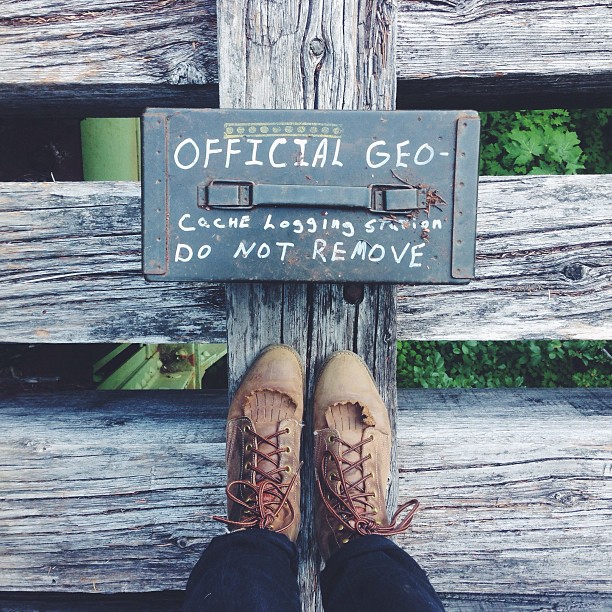
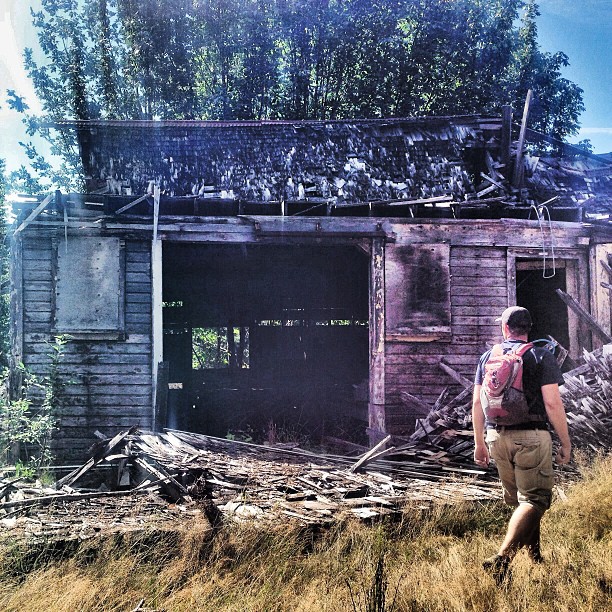
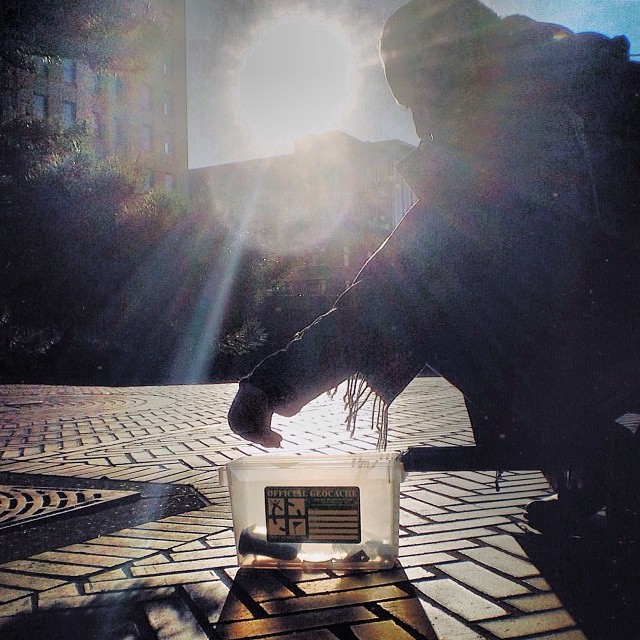
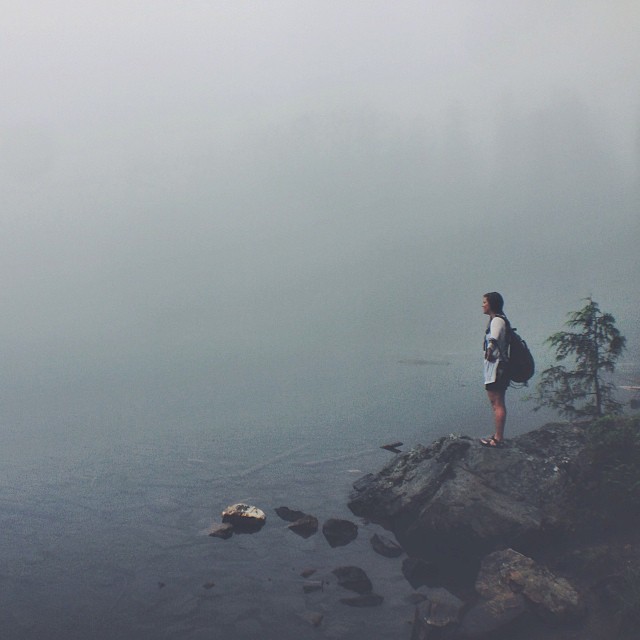
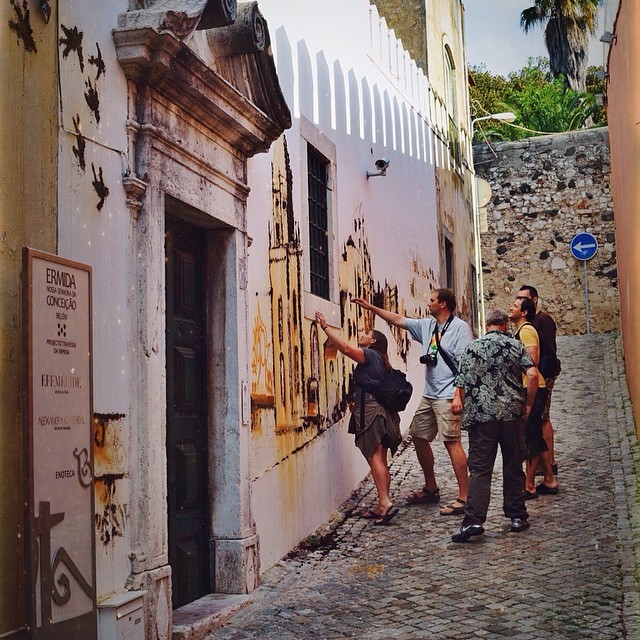
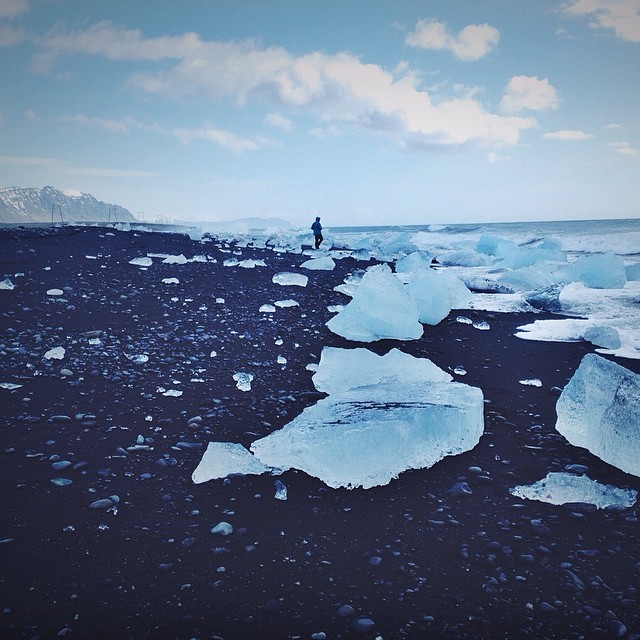
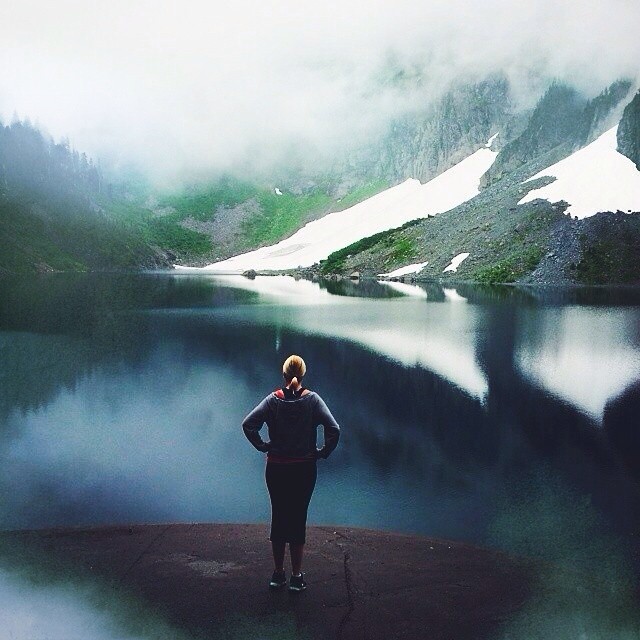
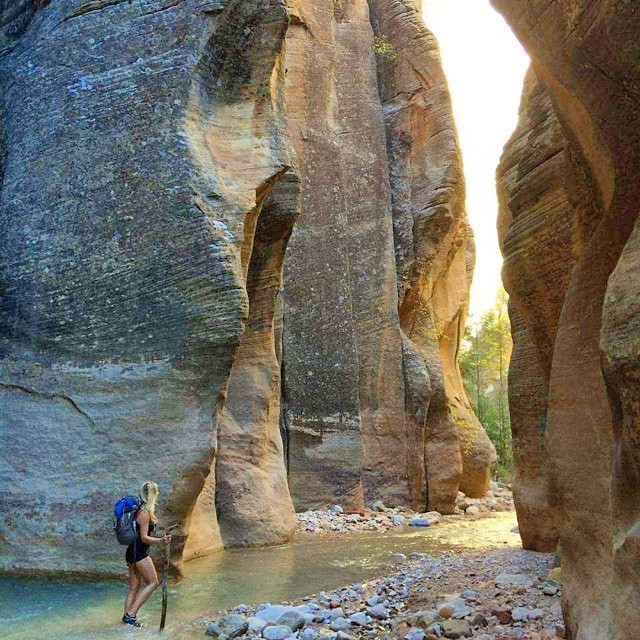
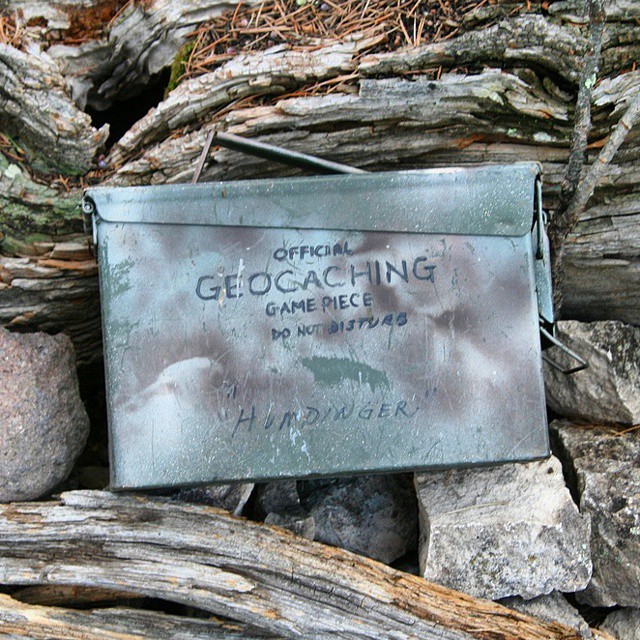
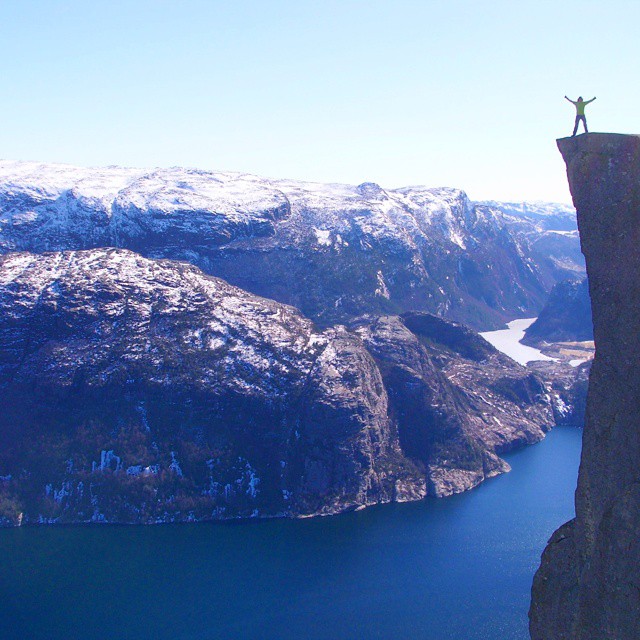
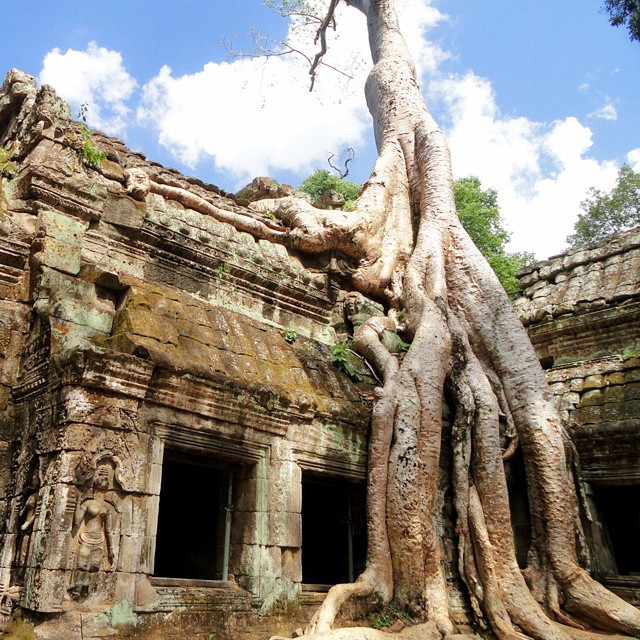
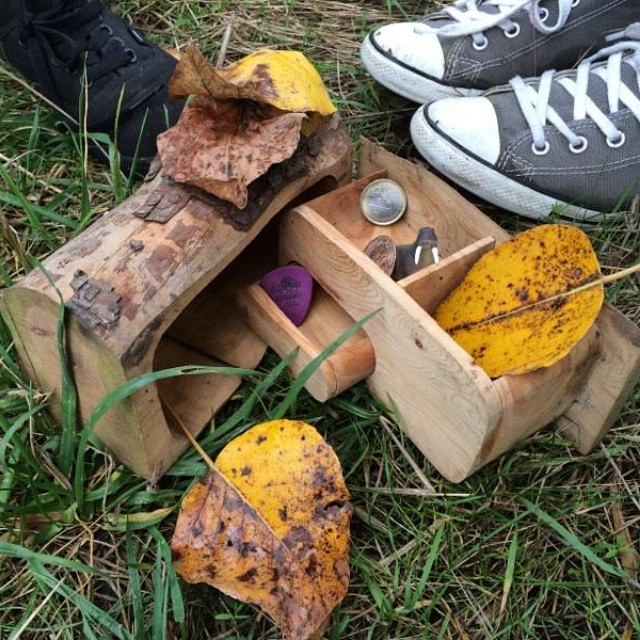
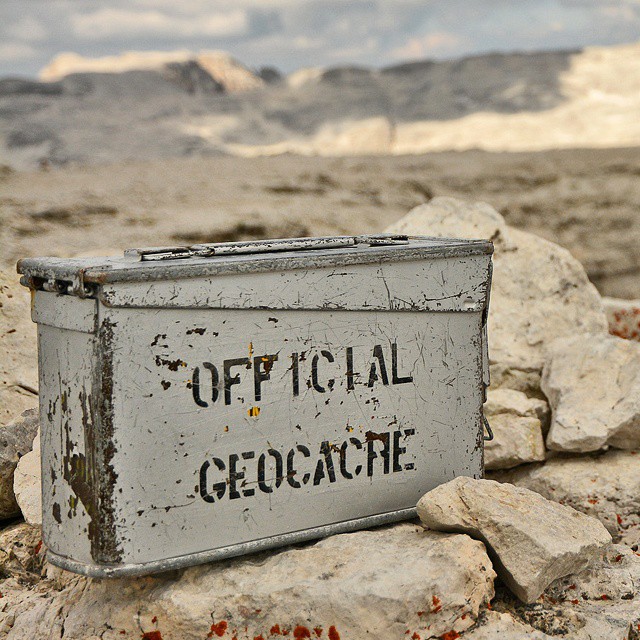
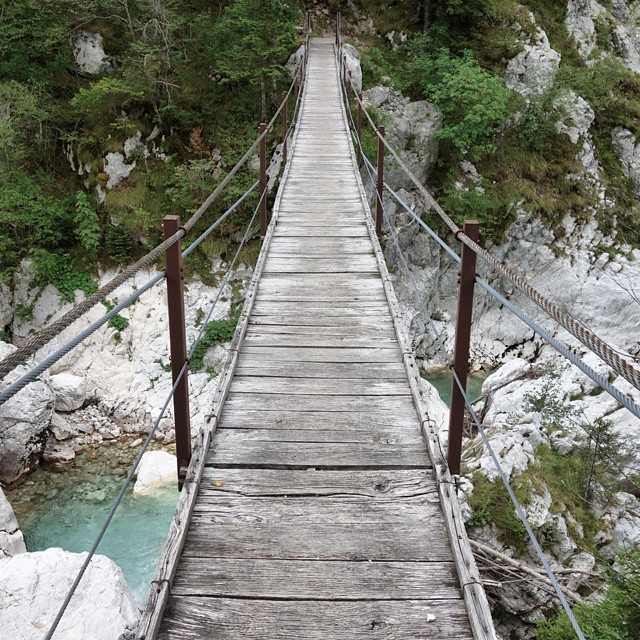
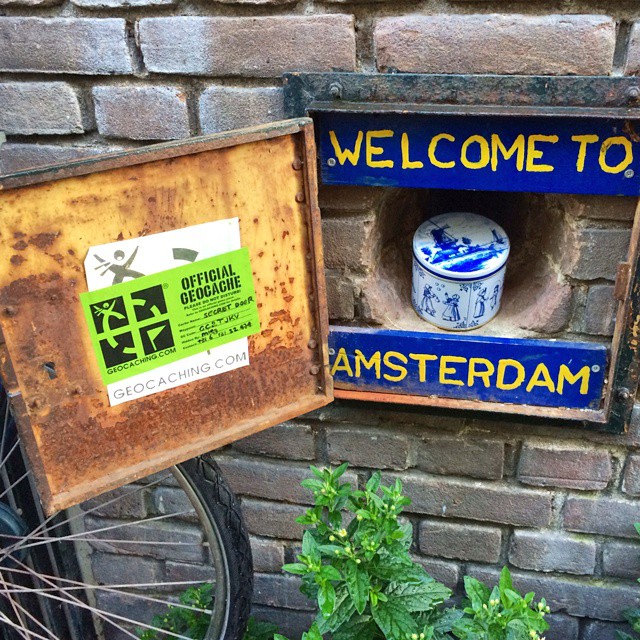
8-13-13 Found it! #TFTC #geocaching #31in318-21-2013 Sometimes #geocaching takes you to forgotten places and shadows of the past. #31in31 #ilovegeocaching11-27-13 Even in this concrete jungle we continue to be inspired while #geocaching. What’s your favorite #UrbanCache?10-23-2013 Fog and rain can’t deter us from #geocaching! What’s the most extreme weather you’ve gone #geocaching in?5-14-2014 #geocaching takes us to some of the most incredible places. GC3C2JW is located in Lisboa, Portugal – and what a beautiful stop along the way! What’s the coolest thing you’ve discovered while #geocaching?4-29-2014 View from GC1CWV4 in Iceland. This #EarthCache is of a glacial river lagoon – and incredible wonder of nature. What amazing natural spectacles has #geocaching shown you?7-24-14 GC13N11: An epic #geocaching hike to Lake Serene in the foothills of the Cascades. How long have you hiked for a geocache?10-7-14 Geocachers, who’s up for an extraordinary #hike? The coordinates for EarthCache GCZ5YD in Utah will lead you to the start of the Zion Narrows trail. The rest is up to you.11-11-14 Here lies an official geocache… do not disturb :-).1-6-15 On top of the world! Geocacher “jcnbee” soaks it all in at GCGGHB in Rogaland, Norway. #geocaching #adventure #explore1-13-15 GC3Q9VP: Tomb Raider! Snag this geocache at sunrise to avoid muggles at the world famous Angkor Wat in Cambodia. #geocaching #adventure #travel1-17-15 How many compartments can one geocache have? #geocaching #explore #makers2-04-15 Camo’d Ammo. #geocaching #getlost #adventure1-31-15 GC1D7NJ: Would you cross this bridge for a geocache?3-4-15 GC2TJKV is a must see if you are visiting the lovely city of #Amsterdam. What looks like an ordinary latched door, is actually a geocache. #geocaching #urban #travel
You too can join in the Insta-fun and share your #geocaching endeavors with the world! Oh, and follow us too www.instagram.com/geocaching.
The Cache Page Reads, “You don’t really need to visit this cache. The place is not of any interest, the container is awful…”
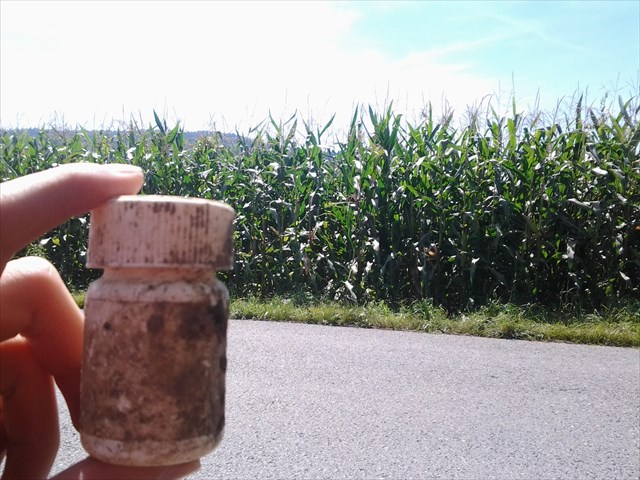
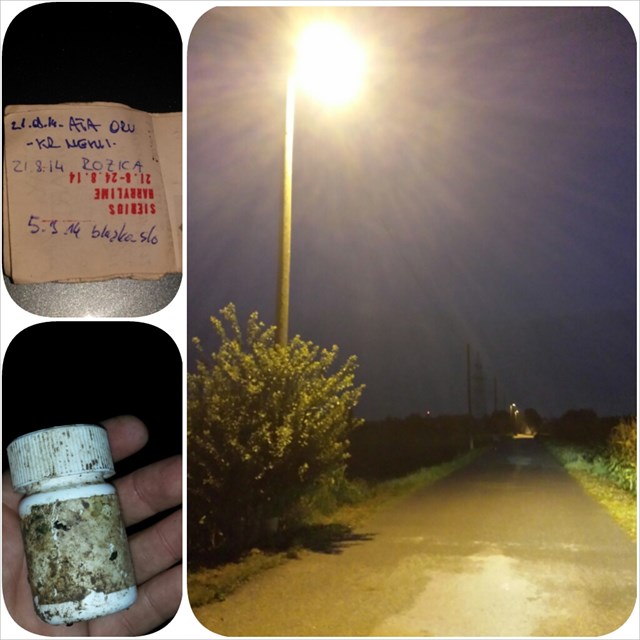
The geocache page for Krneki #1 reads, “You don’t really need to visit this cache. The place is not of any interest, the container is awful…” If you’ve read this far, you’ve just read the sub-sub-genre of geocaching satire. Krneki #1 geocache owner icabrian recently visited Geocaching HQ in Seattle. He popped in after traveling thousands of miles from his home country of Slovenia. The emerging geocaching country is home to more than 3,600 hidden caches, and it’s also home to a fiery debate. Each geocaching community wrestles with this very question at some point:
What defines a quality geocache?
icabrian uses Krneki #1 to raise the issue in Slovenia. He writes on the geocache page, ” Everything is wrong with this cache, because it was placed to spark a public debate about where this game is going, what we want from it and especially what we don’t want from it.” He also claimed, when I spoke with Igor (his real name) that the logbook for the geocache was always wet. That’s mighty bold bragging about an awful geocaching experience.
The world’s most forgettable geocache?
Perhaps not surprisingly the community embraced the conversation. People like to talk about quality geocaching, and they know it when they see it, and they know when they don’t. Krneki #1 has more than a dozen favorite points. Igor’s answer to what defines a quality geocache? He tells me, “(Geocaching) is not just about hiding a box. The box becomes a geocaches with something on top.” He talked about placing the geocache at an inspiring location, crafting a rich story or a clever puzzle, something beyond the box which transforms the container into a geocache.
How would you define a quality geocache?
Put your answer in comments below and through the magic of the internet, we’ll create a word cloud soon and see what gems pop out.
DIY: Quality Geocache Video
Check out this quick video for a few tips to create a Favorite Point worthy geocache
Click to learn about placing a Favorite Point Worthy Geocache
We’re excited to announce the launch of the new geocache search tool. It’s faster, easier to use and helps you find the exact adventure you want—and it’s all thanks to the geocaching community. We started the upgrade by asking geocachers what they wanted, then gave Geocaching Premium members a Sneak Peek at the new tool before launch.
Now the new search is ready for prime time. Take it for a spin by searching for Pi Day events and Mystery Caches near you so you can earn your Pi Day souvenirs on March 14.
And speaking of new upgrades to Geocaching.com, check out the newHide a Geocache page. It’s designed to be more helpful for new geocache hiders and streamlined for seasoned geocachers. See the new Hide a Geocache page.
We’re excited to announce the launch of the new geocache search tool. It’s faster, easier to use and helps you find the exact adventure you want—and it’s all thanks to the geocaching community. If you have questions not answered here, find us on Facebook or Twitter, or visit the Geocaching Help Center.
Be sure to test drive some of our favorite searches:
Find events near you.
Find the oldest geocaches near you.
Find the Mystery Caches you have solved, but not yet found.
Plan a geocache outing with your geocaching buddies.
Find the most Favorited geocaches in your area.
Find geocaches with the D/T combination that you need to complete your Fizzy Grid.
Continue the discussion on the forum. See FAQ below:
Why are some sorting and filtering options only available to Geocaching Premium members? Geocaching Premium member subscriptions help provide the resources to develop new tools like Search that create a more personalized geocaching experience. We recognize the contributions of our Premium members by allowing them exclusive access to tools that take geocaching beyond the everyday. Learn more about Geocaching Premium.
I want to export these awesome results to my phone and/or GPS! How do I do that? We’re with you there! This first few releases are about providing the best tool we can to help players find exactly the geocaches they want to find. Of course, we know that players will want to do cool things with the lists of geocaches the tool returns (like download them to a GPS, sync to the app, add to a list, etc). Our next releases will focus on those kind of actions.
How do I save my search results for easy access at a later time? At this time, the best way to do this is to bookmark the URL in your browser. Each search result contains a query string specific to your search filters. In other words, that URL will always bring you back to the results you’d like to save. And keep in mind, we are working on a saved search feature which should be available in the future.
Where is the filter for ____? Great question! Based on Pocket Query usage data and years of requests from the community, the filters in this first release of Search are our best attempt to satisfy the needs of most players. We will continue to listen to feedback and explore adding ways to filter the results as this page continues to evolve.
How do I search for geocaches in a region?
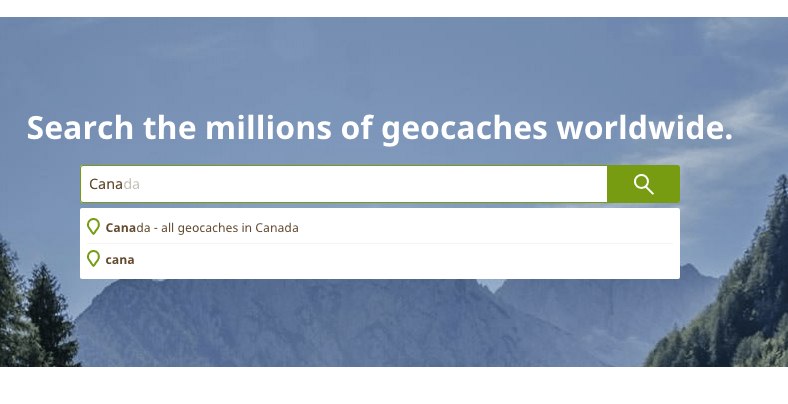
As of our March 7th, 2016 release, you can now search for all geocaches in a region by typing the location into the main search box and selecting “All geocaches in [location name]”.
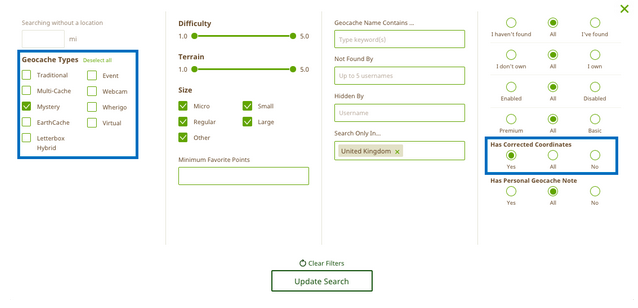
I heard a rumor that I can now search for the Mystery Caches that I have solved, but not yet found. How do I do this? When performing your search, check ‘Mystery Cache’, click ‘I Haven’t Found’ and toggle ‘Has Corrected Coordinates’ to ‘Yes’. This will then list the Mystery Caches you have solved. This feature is available to Geocaching Premium members.
Use Search to find Mystery Caches you’ve solved but have not yet earned a smiley for.
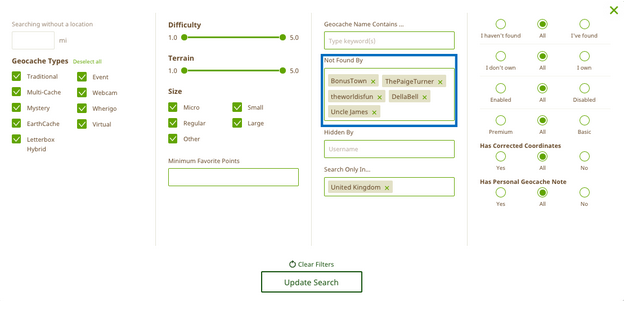
How has Search made planning geocache outings with my buddies easier? No need to repeat adventures! With the new Search tool, you can return only geocaches that you and all of your friends have not yet found. Geocaching Premium members have access to the ‘Not Found By’ filter which allows you to enter up to five usernames and will return a search of geocaches not found by all of the usernames listed.
Plan geocache outings with your friends!
How do I search for the most favorited geocaches in my area? Easy! Enter the city name and country name (or an address), the difficulty/terrain (D/T) rating, and the minimum number of Favorite Points of the geocaches you want to find.
Search for only the best geocaches.
How can I find the geocaches located in my state that I need to complete a challenge like the Fizzy Grid?
First, search for all of the geocaches in your state using the main search box (e.g. “all geocaches in Washington”). After the results are returned, select “Add Filters” to add in the criteria of the geocaches you want to find.
How do I find the newest caches in a state?
First, search for all of the geocaches in your state using the main search box (e.g. “all geocaches in Washington”). After the results are returned, click on “Placed On” to sort by dates places. If you click once, the list will show you the most recently published caches first (almost all will be event caches).
How do I search for caches “Found By” another geocacher? 1. Visit the Profile page of the other player (you can use the Find a User page here)
2. Click on the “Geocaches” tab on their profile
3. Under “Geocaches Found”, click on “All Geocache Finds”. The resulting list will show all geocaches found by that user.
Why can I no longer search using the ‘Cache starts with’ feature? We have replaced ‘Cache Starts With’ with ‘Geocache Name Contains…’ because it allows you to search the entire name of the geocache rather than just the beginning. Geocaching Premium members can also sort the search results by geocache name alphabetically which is a great for when you want to find a geocache that starts with a certain word(s).
I want to search by a geocache name, but it’s not working. Help!
To search by a geocache name, first enter a location in the main search box. You can either enter a location to center your search (e.g. “Seattle”) or you can choose to do an “origin-less” search by not entering a specific location. Once you’ve entered a location, click “Add Filters” and add a keyword to the “Geocache Name Contains…:” filter.
I’d like to use the old search No problem! We’re keeping it around a bit longer.